
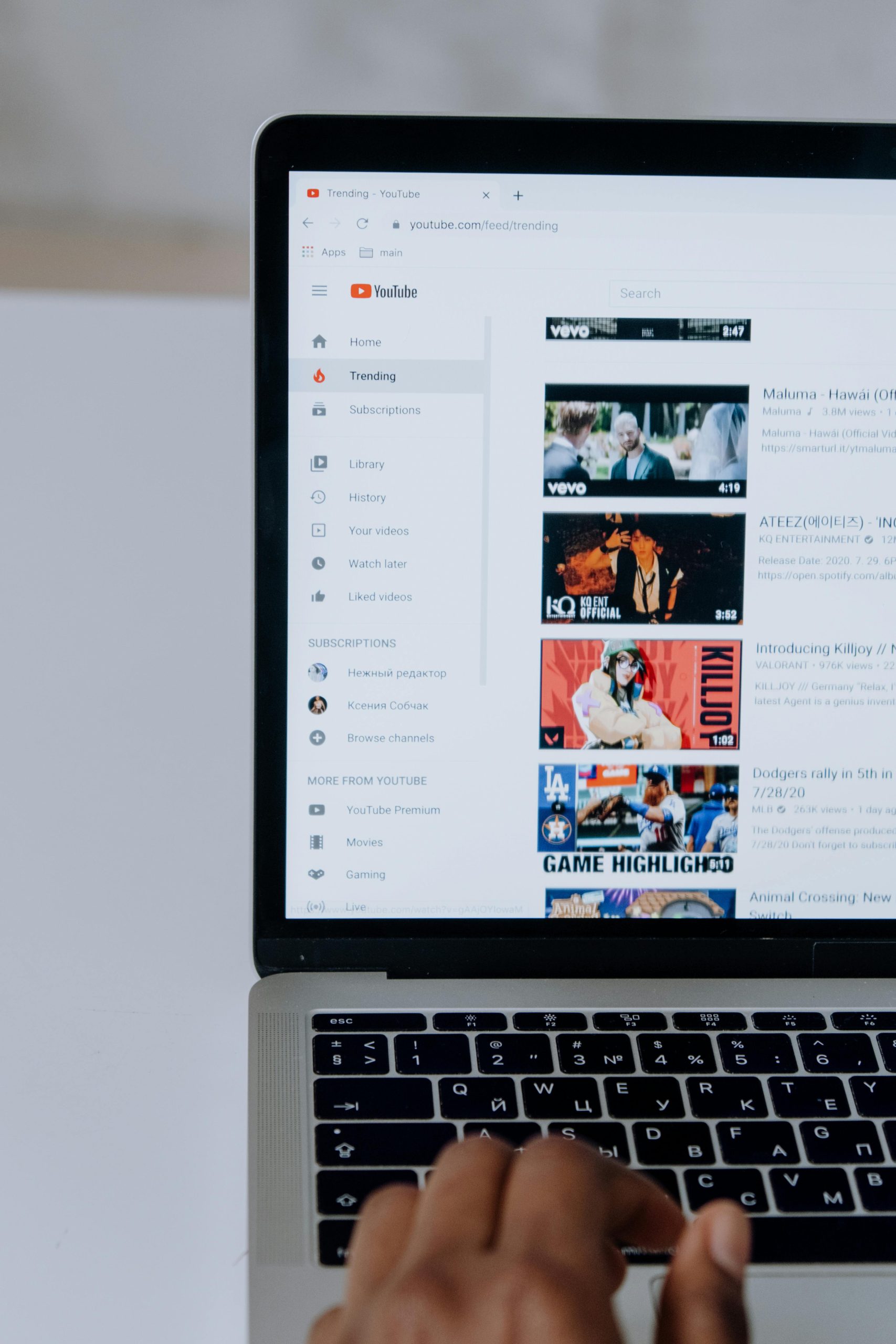
YouTube has begun introducing stronger age verification rules in several regions, including parts of the United States and Europe. As regulations around online safety increase, the platform now requires many users to prove their age before accessing certain videos. While these measures are designed to protect younger audiences, they have also created frustration for adults who suddenly find themselves blocked from watching content.
Many users are now encountering prompts asking them to verify their age by uploading a government ID, entering credit card details, or submitting a selfie for facial verification. These checks can feel intrusive, especially when they appear unexpectedly during normal viewing. Because of this, many people are searching for ways to watch videos without going through complicated age confirmation steps.
Understanding why these checks appear and what options exist can help users regain control of their viewing experience while protecting their privacy.
Key Things to Understand About YouTube’s New Age Checks
The changes introduced by YouTube represent a shift in how online platforms handle age-restricted content. Instead of relying solely on users clicking a simple confirmation button stating they are over 18, the system now attempts to verify age using data or identification.
Several important points explain the current situation.
YouTube may now block videos until users confirm their age. These restrictions can apply even to adults who have used the platform for years.
Verification prompts may request personal information such as identification documents, credit card numbers, or facial scans.
Some users are mistakenly flagged as underage because the system relies on automated signals such as account activity and viewing patterns.
Even though the restrictions may feel unavoidable, there are still several legitimate options for managing them without sacrificing privacy.
Understanding the reason behind these checks helps explain why the platform has become stricter.
Why YouTube Is Requesting Age Verification
Governments and regulatory authorities around the world have increased pressure on technology companies to prevent minors from accessing harmful content online. As a result, companies like Google, which owns YouTube, are developing stronger methods to verify user age.
In the past, websites commonly relied on a simple confirmation screen where users clicked a button confirming they were over a certain age. This system proved ineffective because anyone could bypass it instantly.
To address this problem, lawmakers and regulators have started demanding stronger verification methods.
For example, certain U.S. states have passed legislation requiring websites that host adult content to confirm the age of visitors. One example is the Texas law known as HB1181, which requires websites that contain material deemed harmful to minors to verify the age of users before allowing access.
Although YouTube is not specifically targeted by that law, regulatory trends indicate that similar requirements may spread to other platforms. To prepare for these changes, YouTube has begun implementing stricter age verification tools.
Instead of relying solely on user confirmation, the system now attempts to estimate a person’s age using various signals. These signals may include account history, browsing patterns, and viewing activity.
If the system cannot confidently determine that the viewer is an adult, it may require proof of age before allowing the video to play.
Why Many Users Feel Uncomfortable with the New System
Although the goal of protecting younger viewers is widely supported, many people have raised concerns about how the new verification system works.
One major issue is privacy. Age verification often requires uploading sensitive personal information, such as a passport or driver’s license. In other cases, the system asks users to provide credit card details or submit a photo of their face for automated analysis.
Sharing this type of information with online platforms can feel risky. Once the data is submitted, users have limited control over how long it is stored or how it might be used in the future.
Another problem is inconvenience. People who have used YouTube for years without issues may suddenly encounter verification requests for videos that are not particularly controversial.
Households that share devices can experience additional complications. If children occasionally use the same device, the system may treat all users as underage and restrict content for everyone.
Because of these issues, many viewers are exploring ways to reduce or avoid these restrictions while still following platform rules.
Understanding YouTube Restricted Mode
Before exploring alternative solutions, it is important to understand the difference between Restricted Mode and YouTube’s new age verification system.
Restricted Mode is a content filtering feature built directly into YouTube. When activated, it hides videos that may contain mature themes such as violence, strong language, or adult discussions.
This feature is often used by schools, libraries, or parents who want to limit the type of content visible on a device.
However, Restricted Mode is not the same as the new age verification checks. Even if you disable Restricted Mode, you may still encounter prompts asking for age verification.
Still, checking this setting can sometimes resolve certain viewing restrictions.
To review the setting, open YouTube and access the settings menu. At the bottom of the settings list, you will find the option labeled Restricted Mode. If it is enabled, turning it off may allow some videos to play normally.
In locations such as schools or workplaces, Restricted Mode may be locked by a network administrator. In those cases, individual users cannot change the setting themselves.
Watching YouTube Videos Without Signing Into an Account
One simple option for avoiding some verification prompts is watching videos while logged out of your Google account.
When you are not signed in, YouTube has less information about your account history and age profile. As a result, some videos may play without triggering additional verification requests.
This approach can be useful for quick viewing sessions when you simply want to watch a video without logging in.
However, it does have limitations. Age-restricted videos may still remain blocked. Additionally, you will lose access to personalized features such as subscriptions, watch history, recommended videos, and saved playlists.
Because of these drawbacks, many users prefer solutions that allow them to stay logged in while still protecting their privacy.
Using a VPN to Reduce Age Verification Prompts
A more advanced method for avoiding repeated age verification prompts involves using a Virtual Private Network, commonly known as a VPN.
A VPN works by routing your internet connection through a secure server located in another region. This process changes your visible online location, making it appear as if you are browsing from a different country.
Because YouTube applies age verification rules differently depending on local regulations, connecting through another region can sometimes reduce or eliminate verification prompts.
For example, if strict verification requirements exist in one country but not in another, connecting to a server located in the less restrictive region may allow videos to play normally.
Beyond bypassing regional restrictions, VPN services provide several additional benefits.
They encrypt your internet traffic, protecting your browsing activity from internet service providers, advertisers, and potential cybercriminals.
They also help prevent tracking by hiding your real IP address.
This combination of privacy protection and regional flexibility makes VPNs a popular tool for users seeking more control over their online experience.
Options for Families and Parents
Households with children often face different challenges when dealing with YouTube restrictions. When multiple people share the same device, children’s viewing habits can influence how the system classifies the account.
One option for families is using supervised accounts. These accounts allow parents to control which types of content children can view while keeping adult accounts unrestricted.
Another option is YouTube Kids, a separate platform designed specifically for younger viewers. It filters content automatically and offers parental controls that limit search results and video categories.
While these tools are not intended to bypass verification requirements, they help create a safer environment for younger users without forcing adults to repeatedly confirm their age.
The Risks of Fake Age Verification Bypass Tools
When searching online for ways to bypass YouTube age restrictions, users often encounter websites claiming to unlock restricted videos instantly.
Many of these tools promise quick access without verification. Unfortunately, they frequently turn out to be scams.
Some sites distribute malicious software disguised as browser extensions or video unlock tools. Others attempt to steal personal data by asking users to upload identification documents.
In the worst cases, these fake solutions can compromise both personal security and online accounts.
Because of these risks, it is important to avoid unknown applications or websites that promise shortcuts around platform security systems.
Users who value both access and privacy typically choose safer options such as adjusting settings, managing accounts properly, or using trusted privacy tools.


