
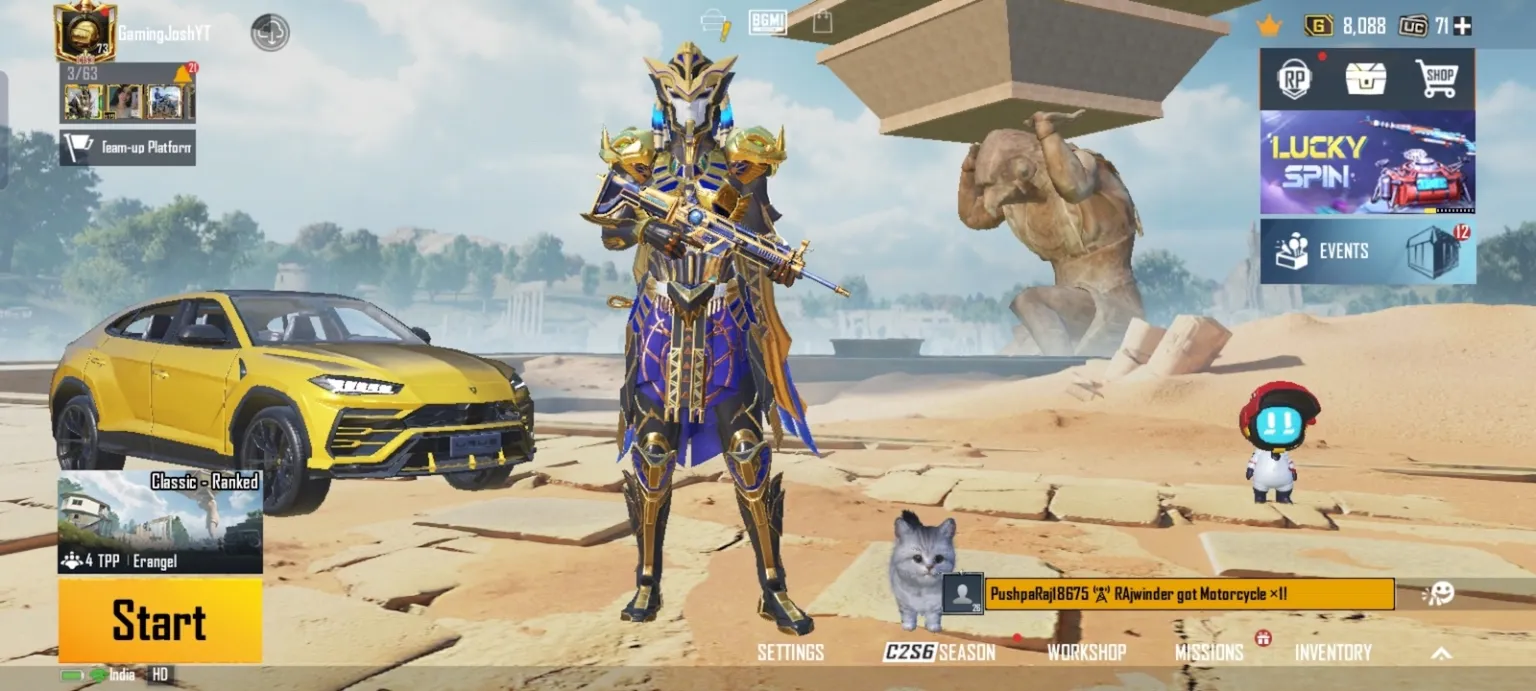
The latest 2.1 version of Battlegrounds Mobile India has officially arrived, bringing one of the most exciting content drops in recent months. From a brand-new themed mode to weapon balance adjustments and gameplay tweaks, the July update delivers a fresh battlefield experience for players across India.
The rollout, however, follows a phased distribution model, especially for Android users. If you’re wondering when you’ll receive the update or how to manually check for it, this complete guide covers the BGMI 2.1 update schedule, installation process on Android, and detailed patch notes.
BGMI 2.1 Update Release Schedule
The developers confirmed that the update would begin rolling out on July 14. However, not all players receive it at the exact same moment.
Here is the official distribution timeline:
- iOS (Apple App Store): July 14 at 4:00 PM IST
- Android (Google Play Store): July 14 between 12:30 PM and 6:30 PM IST
Since Android updates are phased, some players may see the update button earlier than others. If your device hasn’t received it yet, don’t panic. It may simply be queued for later within the rollout window.
How to Update BGMI 2.1 on Android
If the update does not appear automatically in the Play Store, you can try manually refreshing the Google Play Store app.
Follow these steps:
- Open your phone’s Settings.
- Go to Apps or App Management.
- Locate Google Play Store.
- Tap on Storage.
- Clear Cache.
- Clear Storage (if necessary).
- Force Stop the Play Store.
- Reopen Google Play Store.
- Search for Battlegrounds Mobile India.
- Check if the Update option appears.
This method works in many cases because clearing cache forces the Play Store to refresh its server sync data. However, it does not guarantee instant access if your device is not yet included in the phased rollout.
What’s New in BGMI 2.1?
The July update brings a combination of themed content, weapon additions, and gameplay balancing improvements.
Let’s break down the most significant changes.
New Theme Mode: Ancient Secret – Arise
The highlight of the update is the new theme mode called Ancient Secret: Arise. This mode introduces visually stunning desert environments and unique structures inspired by ancient civilizations.
Players can explore:
- Scarab and Jackal Ruins
- Sandstorm City
- Emperor Temple
These locations offer dynamic encounters and strategic gameplay shifts. Sandstorms reduce visibility, forcing players to adapt quickly. The Emperor Temple adds vertical combat opportunities, making positioning more important than ever.
The themed mode enhances exploration while maintaining the core battle royale intensity BGMI players enjoy.
New Weapon Added: Lynx AMR
One of the most talked-about additions in the 2.1 update is the Lynx AMR sniper rifle.
The Lynx AMR:
- Is available in supply crates.
- Fires faster than existing sniper rifles.
- Has extremely high bullet speed.
- Can destroy a Level 3 helmet with a single shot.
However, it comes with limitations:
- Uses exclusive ammunition.
- Ammo availability is limited.
- Requires strategic use due to rarity.
Like the AWM, the Lynx AMR demands careful ammo management. Securing it from supply drops can give players a decisive late-game advantage.
Vehicle Explosion Adjustment
Previously, if a vehicle exploded while you were inside, it meant instant elimination.
In the 2.1 update:
- Players are now knocked down instead of killed instantly.
- Teammates can revive you if nearby.
This change significantly reduces frustration and gives squads a better chance to recover from unexpected vehicle explosions.
SMG and Weapon Balance Adjustments
The update also introduces several weapon balancing tweaks.
UZI and Vector
- Reduced damage drop-off at longer distances.
- Improved effectiveness in mid-range combat.
These adjustments make SMGs more viable beyond close quarters.
UMP45
- Reduced burst spread while aiming down sights.
- Slight reduction in laser sight effect.
This improves accuracy control for skilled players.
Tommy Gun
- Increased base damage.
- Slightly faster bullet speed.
Tommy Gun becomes more competitive in aggressive pushes.
PP-19 Bizon
- Slight increase in firing speed.
This makes the weapon more effective in sustained firefights.
Assault Rifle Adjustments
Assault rifles also receive performance tweaks.
AKM
- Stronger aim assist in short-range combat.
- Improved target acquisition for close engagements.
This change benefits aggressive players who rely on fast reflexes.
SCAR-L
- Reduced recoil in burst mode.
- Increased bullet speed.
- Improved long-distance damage output.
The SCAR-L now performs more consistently across various combat ranges.
Overall Gameplay Impact
The 2.1 update focuses on three key areas:
- Enhanced thematic immersion.
- Weapon diversity and balance.
- Reduced frustration mechanics.
By improving weapon performance and introducing dynamic environmental elements, the developers aim to refresh competitive gameplay without altering the core battle royale structure.
Players who adapt quickly to the Lynx AMR and updated SMG performance may gain early advantages in ranked matches.
What Android Players Should Remember
Because the rollout is phased:
- Not all users receive the update simultaneously.
- Clearing Play Store cache may help.
- Patience may be necessary.
Always ensure you have:
- Stable internet connection.
- Enough storage space.
- Updated Google Play Services.
The BGMI 2.1 update introduces a substantial shift in gameplay dynamics while preserving the competitive intensity that defines the game. From the desert-themed Ancient Secret mode to major weapon balance improvements, this patch reshapes combat strategies for both casual and ranked players.


